
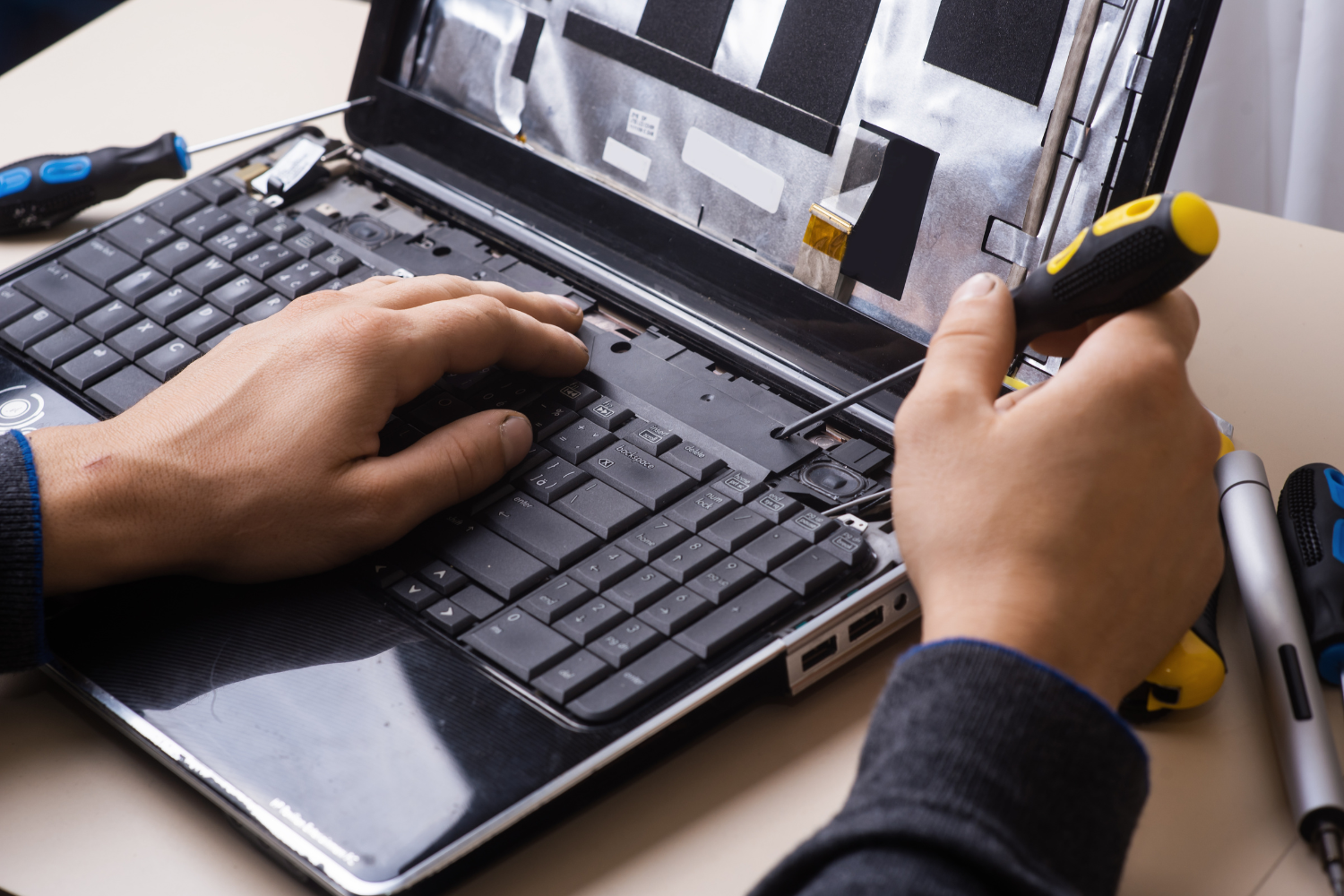
A slow laptop can be incredibly frustrating, especially when you rely on it for work, studies, or personal use. Whether you're experiencing lagging speeds, long boot times, or programs freezing mid-use, these issues can make your device feel almost useless. While some minor slowdowns may be easily resolved by simple steps like clearing your cache or uninstalling unnecessary programs, persistent or severe performance problems often signal that professional intervention is required.
What Causes a Laptop to Slow Down?
Before jumping into repairs, it’s important to understand the reasons behind a slow laptop. Various factors contribute to sluggish laptop performance, ranging from software issues to hardware limitations. Let’s break down the common causes of slow laptop speeds.
1. Overloaded Hard Drive
A full hard drive can significantly impact your laptop’s performance. When your storage is nearly full, your operating system struggles to perform basic functions. This is especially true for laptops with traditional hard disk drives (HDDs), which have slower read/write speeds compared to solid-state drives (SSDs).
2. Outdated Operating System
Running an outdated operating system (OS) or failing to install regular updates can slow down your laptop. OS updates often include performance enhancements, bug fixes, and security patches that can optimize the system’s speed and efficiency.
3. Excessive Background Programs
Over time, various programs and applications begin to run in the background without your knowledge. These applications consume system resources like RAM and CPU, making your laptop sluggish. Malware or unnecessary startup programs can further exacerbate the issue.
4. Insufficient RAM
RAM (Random Access Memory) plays a critical role in multitasking. If your laptop has insufficient RAM or if your RAM is failing, it can cause your device to lag, especially when running multiple applications at once.
5. Hard Drive Failure or Fragmentation
Old or failing hard drives are among the top reasons for performance issues. As the hard drive deteriorates, it can result in slow read/write speeds. Additionally, fragmented files on an HDD make it difficult for the system to retrieve data quickly, leading to delays and sluggishness.
6. Virus or Malware Infections
Malware and viruses consume system resources, slow down your device, and may even damage important system files. If your laptop has been infected, performance will decline significantly. It’s crucial to run regular security scans and seek professional help if you suspect malware infection.
When Should You Seek Professional Laptop Repair Dubai?
While basic slowdowns may be resolved with a bit of DIY troubleshooting, certain situations call for professional repair. Here's when it’s time to bring your laptop to an expert laptop repair shop in Dubai.
1. Persistent Performance Issues
If you’ve tried all basic fixes like clearing up space, removing malware, or disabling unnecessary startup programs, and your laptop is still slow, it’s time to consult a professional technician. A certified repair expert can assess the issue and offer a tailored solution.
2. Frequent Freezes or Crashes
A laptop that freezes or crashes frequently is a clear sign of underlying issues. These could stem from a failing hard drive, defective RAM, or system conflicts that need the attention of an experienced technician.
3. Overheating
Excessive heat can slow down your laptop, as the CPU throttles to avoid overheating, which impacts performance. Overheating can also damage internal components, leading to more severe problems. If your laptop is consistently hot to the touch or shuts down unexpectedly due to heat, it’s time for a professional assessment.
4. Slow Startup and Shutdown
If your laptop takes longer than usual to start up or shut down, this may indicate an issue with the operating system, hard drive, or a background process. Professional repairs can help optimize these processes and ensure smoother performance.
5. Hardware Issues
If your laptop is suffering from hardware-related issues like a broken fan, malfunctioning keyboard, or faulty display, professional repairs are necessary. Attempting to fix these issues yourself without proper knowledge and tools can cause further damage.
What Should You Look for When Choosing a Professional Laptop Repair Shop?
When searching for a laptop repair shop near me in Dubai, several factors should influence your decision. A trusted repair center will provide you with quality services and transparent pricing, ensuring your device is fixed properly and securely. Here's what to consider when selecting a repair provider.
1. Technician Certification and Training
The first thing to check when choosing a repair shop is whether the technicians are certified and properly trained to handle your device. Certified technicians undergo rigorous training to learn the latest repair techniques, understand common laptop issues, and stay up-to-date with industry trends. Choosing a certified laptop repair Dubai provider ensures your device is repaired correctly by experts with a solid understanding of its components.
2. Genuine Parts Sourcing
Make sure the repair center uses genuine parts or OEM parts (Original Equipment Manufacturer parts). Using non-branded or counterfeit parts can lead to further issues with your device, including decreased performance, compatibility problems, or even permanent damage. Ensure the repair shop guarantees the use of high-quality parts sourced from reputable suppliers.
3. Transparent Data Security Protocols
Data security is a top concern when handing over your laptop for repairs. A reputable laptop repair Dubai service center should have clear data protection protocols in place. Certified technicians are trained to handle your data with care, ensuring your personal information is not compromised during the repair process. Be sure to ask about the shop's privacy policies and their approach to safeguarding your files.
4. Warranty and Guarantee Policies
A professional repair shop will offer warranty coverage for both parts and labor. This is an indication that they stand behind the quality of their work and the parts used in repairs. Avoid repair centers that don’t provide any warranty, as this can leave you vulnerable to additional costs if the repair fails. Always confirm the length and coverage of the warranty before proceeding with any service.
5. Clear Pricing Structures
A trusted laptop repair shop will provide transparent and competitive pricing. They should offer an upfront cost estimate based on the repair required, with no hidden charges. If a repair shop provides a quote that’s too good to be true, it’s essential to investigate further. Low prices often mean low-quality parts, poor customer service, or hidden fees.
The Role of Laptop Repair Dubai Experts in Data Backup
Before beginning any repair work, especially if it involves a hard drive replacement, data recovery, or system restoration, certified technicians at a laptop repair shop in Dubai will guide you in backing up your important files. This step ensures that no valuable data is lost during the repair process. Many repair centers offer data backup services to ensure that your documents, photos, and applications are preserved, regardless of the issue with your laptop.
Common Repairs You May Need for a Slow Laptop
A slow laptop can be the result of various issues. Here are some of the most common repairs that technicians handle for sluggish devices:
Battery Replacement
If your laptop’s battery is old or damaged, it may cause performance issues due to power inefficiencies. A battery replacement ensures your device runs optimally, improves startup times, and reduces sluggishness caused by inadequate power.
Hard Drive or SSD Upgrade
Upgrading your laptop’s storage is an excellent way to speed up its performance. A traditional hard drive (HDD) can slow down the system. Replacing it with a solid-state drive (SSD) dramatically boosts your laptop’s speed, responsiveness, and reliability.
RAM Upgrade
If your laptop struggles with multitasking, upgrading your RAM can significantly improve speed and overall performance, particularly for tasks like gaming or running resource-heavy applications.
Software Optimization
Often, slow performance is due to software issues rather than hardware. A professional technician will remove unnecessary startup programs, clear out cache files, and update drivers to help your laptop run smoothly.
FAQ Section: Common Consumer Questions
Q1: How long does it take to repair a slow laptop?
The time required for laptop repair Dubai depends on the issue. Basic repairs like software optimization or RAM upgrades can be done in a few hours. More complex repairs like logic board or hard drive replacements may take 1–2 days.
Q2: Will my data be safe during the repair process?
Yes, reputable repair shops have strict protocols in place to protect your data. Professional technicians will guide you through backing up your data and will ensure that no unauthorized access occurs during repairs.
Q3: What happens if my laptop repair fails after the service?
A trusted repair provider will offer a warranty on their repairs. If something goes wrong after the service, they will either fix the issue at no extra cost or provide a refund based on the warranty policy.
Q4: Should I repair my laptop or buy a new one?
If your laptop is more than a few years old and repairs are costly, it may make sense to replace it. However, if the issues are minor or the cost of repair is reasonable, repairing your laptop can extend its life and save you money compared to buying a new one.
Conclusion
When your laptop starts slowing down, the decision to get professional help is an important one. Choosing a reputable laptop repair Dubai service ensures that your device receives expert attention, high-quality parts, and reliable repairs. By considering factors such as certified technicians, genuine parts, clear pricing, and data protection protocols, you can make an informed decision about where to take your laptop for servicing. For trusted and efficient repairs, iStore Dubai is one of the most reliable options in the city, offering expert care for your device.

 Arabic
 French
 Spanish
 Portuguese
 Deutsch
 Turkish
 Dutch
Dutch
 Italiano
 Russian
 Romaian
 Portuguese (Brazil)
 Greek
Greek